0
0
0
0
0
0
0
0
0
0
0
0
00
00
00
Hint: Left-click on the hour to change its color.

Hint: Left-click on the hour to change its color.
Free online digital clock with live seconds. Use fullscreen for classroom or desk display. No install required.
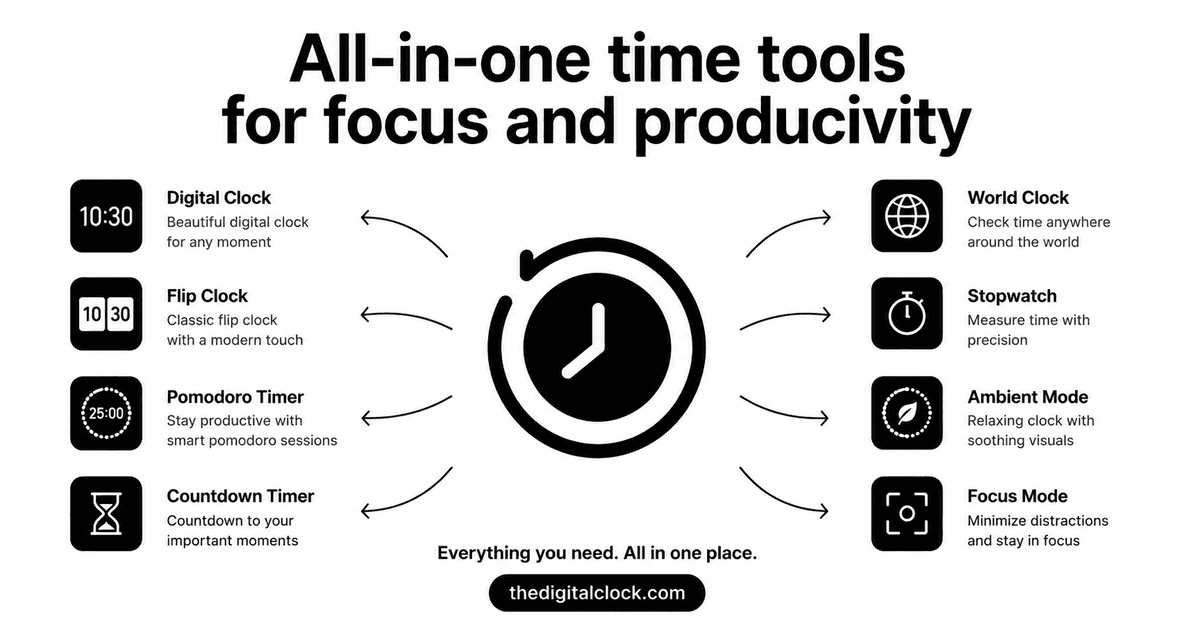
This free online digital clock syncs to your device's system time and updates once per second, with a clean, distraction-free fullscreen display you can open on any desktop, laptop, or second monitor — no download, no browser extension, no sign-up. Prefer a different style? Try the relaxing clock or retro flip clock, plus a pomodoro timer and world clock— all free in your browser.
Content last reviewed: 8 August 2026 · Built by Abhishek
An online digital clock (also called a digital clock online) is a webpage that displays the current time in digits—usually hours, minutes, and often seconds—using your device’s local clock. Unlike a wall clock or phone lock screen, you can leave it fullscreen on a monitor, pin it as a clock tab, or share it in a classroom without installing software. This free digital clock updates once per second, supports fullscreen, and does not require a browser extension or account.
Remove distractions with a single click. Perfect for exams, classrooms, and focus sessions.
Pin a browser tab clock with live seconds — no new-tab extension required.
Track current local times in cities worldwide. Ideal for remote teams and travelers.
Boost productivity with customizable focus intervals and break times.
Classic retro flip clock with split-flap animation — free fullscreen desk clock.
Calm ambient clock for meditation, sleep, and quiet focus — no harsh glare.
There's nothing to install and nothing to pay for. Open this free online clock in any browser, on any desktop, laptop, or tablet, and it's ready instantly — accurate to the second and available in fullscreen for use as a dedicated desktop clock or second-monitor display.